
Frequently Asked Questions
Quick answers for onboarding, operations, privacy, sharing, and iteration.
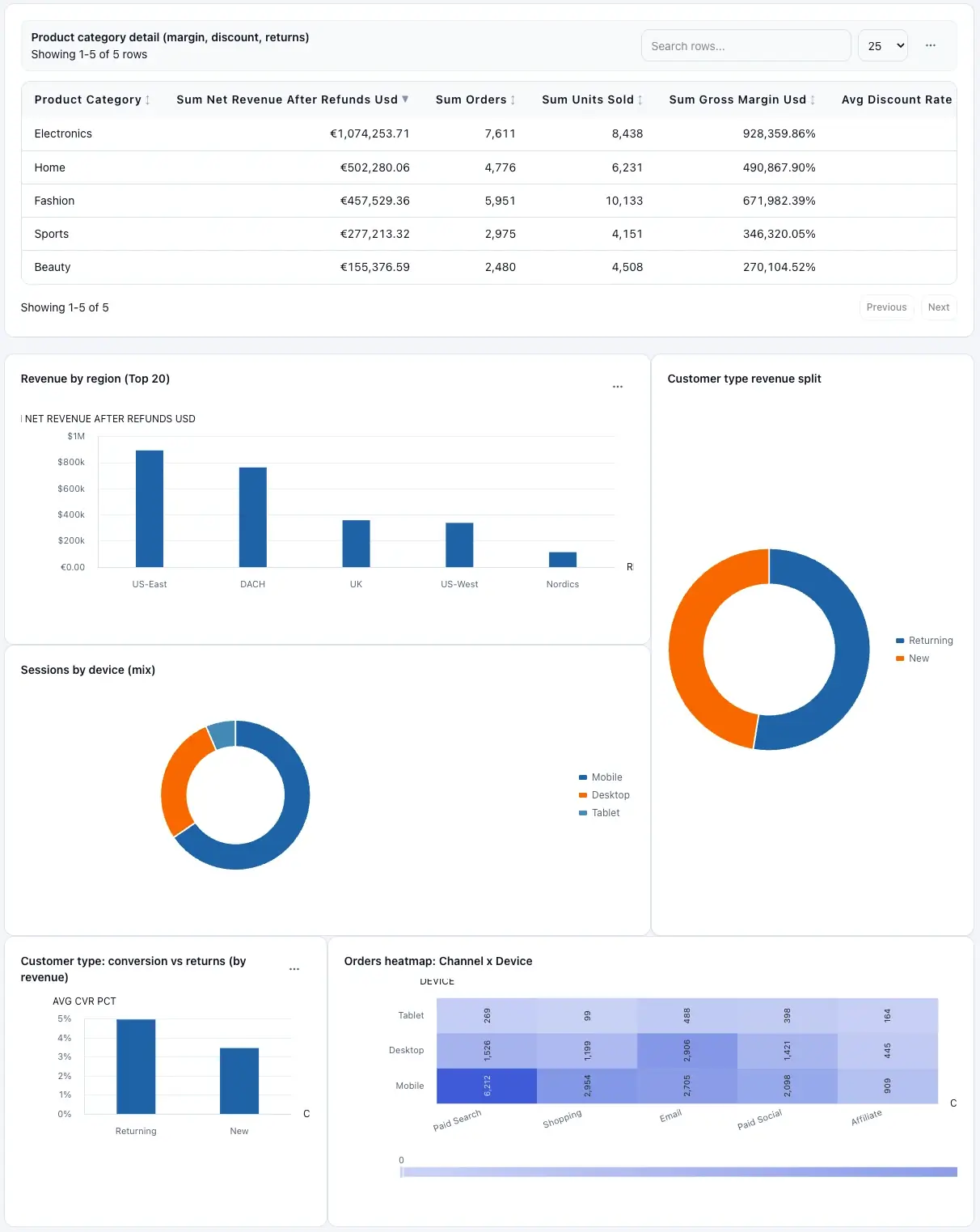
Most questions are solved in-app with the workflows documented here.
Frequently asked questions
Which file types can I upload in Builder?
CSV, Excel, TSV, and Parquet are supported. For Excel, you can optionally specify a sheet.
Can chat responses become dashboard widgets?
Yes. If the assistant returns a widget suggestion, use Add to dashboard to persist it in the current dashboard.
Does remixing modify my original dashboard?
No. Create From Charts and Create From Prompt both generate a new dashboard variant.
Can I run dashboards from SQL or Google Sheets?
Yes. Configure connectors in Connectors, validate with Test access, then queue dashboards and refresh schedules.
How do I share dashboards with teammates?
Use the Share action in Dashboards. Invite viewer emails, track acceptance state, and revoke access when needed.
What happens when credits run out?
Existing dashboards stay available, but new generation/edit actions are blocked until credits are replenished.
How is privacy handled during planning?
Planning uses metadata and redacted samples by default. Avoid sending sensitive values unless required.
Where do I get support for production issues?
Use the Contact page for setup, security, billing, and operational troubleshooting support.
Related guides
- Troubleshooting — symptom-first fixes.
- Getting Started — upload + prompt + progress states.
- Overview — start here workflow.