
Connectors and Refresh Operations
Connect governed sources, validate access, and automate refresh + notifications.
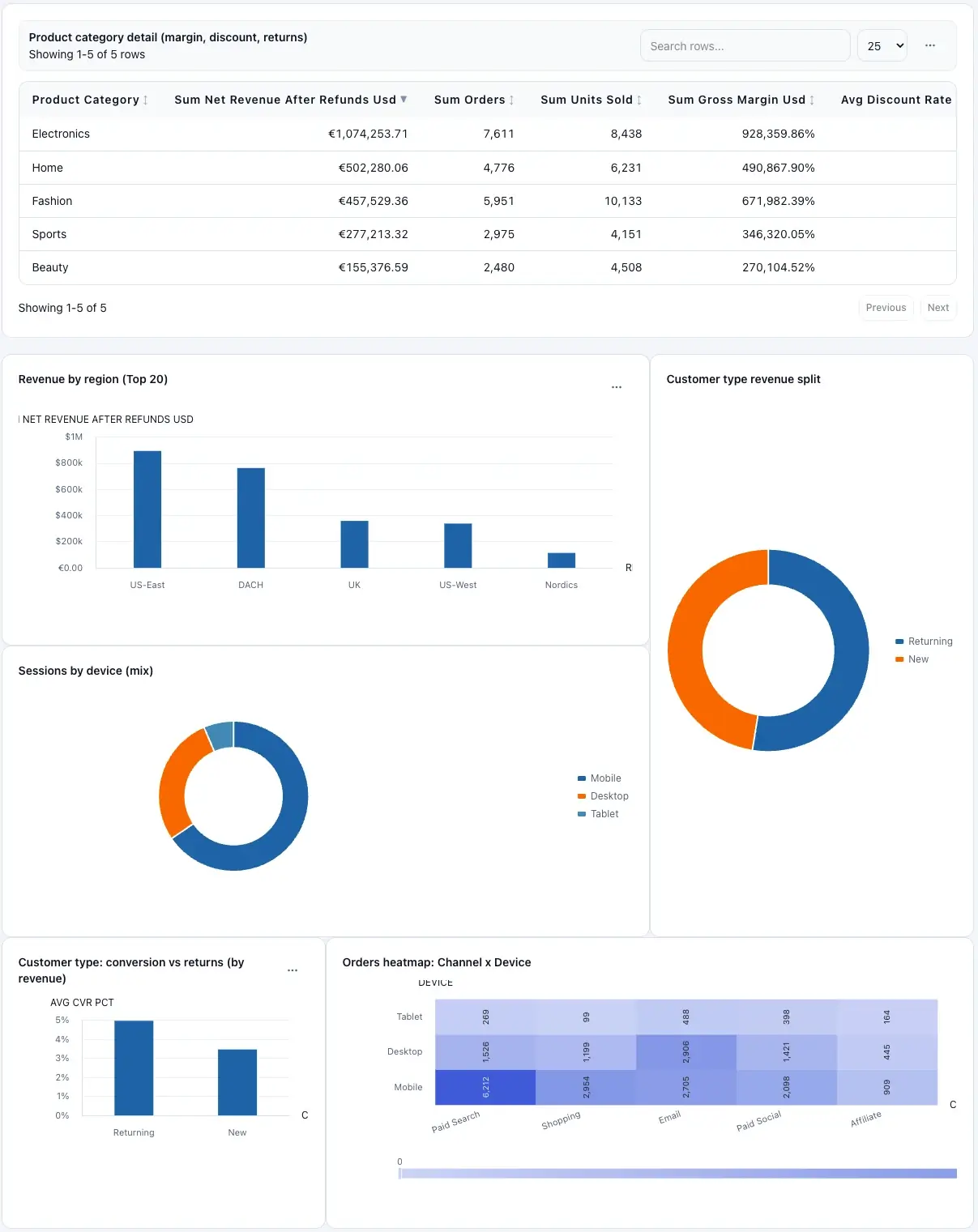
Connector-powered dashboards support repeatable operations.
Configure SQL connectors
Add Postgres, MySQL, or SQL Server connectors with host, port, database, username, and SSL mode.
Use Test access before saving to confirm credentials, network path, and permissions.
Configure Google Sheets connectors
Share the spreadsheet with the workspace service-account email shown in the setup panel.
Provide Sheet URL, optional sheet/range targeting, then validate access before production use.
Run and schedule refreshes
Use Run refresh now for manual syncs.
Enable schedule with interval and timezone settings for recurring updates.
Configure notifications
Send refresh updates to email recipients and optional Slack webhook targets.
Control alerts separately for successful refreshes and failed refreshes.
Queue dashboards from connector data
In connector details, describe dashboard intent and choose theme before queueing generation.
Queued dashboards appear in Dashboards once processing completes.
Related guides
- Troubleshooting — connector access test fails, queued jobs, and refresh issues.
- Dashboard Workspace — share view-only dashboards and export.
- FAQ — quick answers about connectors and refresh.