
Support / Docs
ClairInsights Documentation
From upload to production operations: build dashboards, iterate with chat, and run reliable refresh workflows.
4 min read • Updated for current product workflows
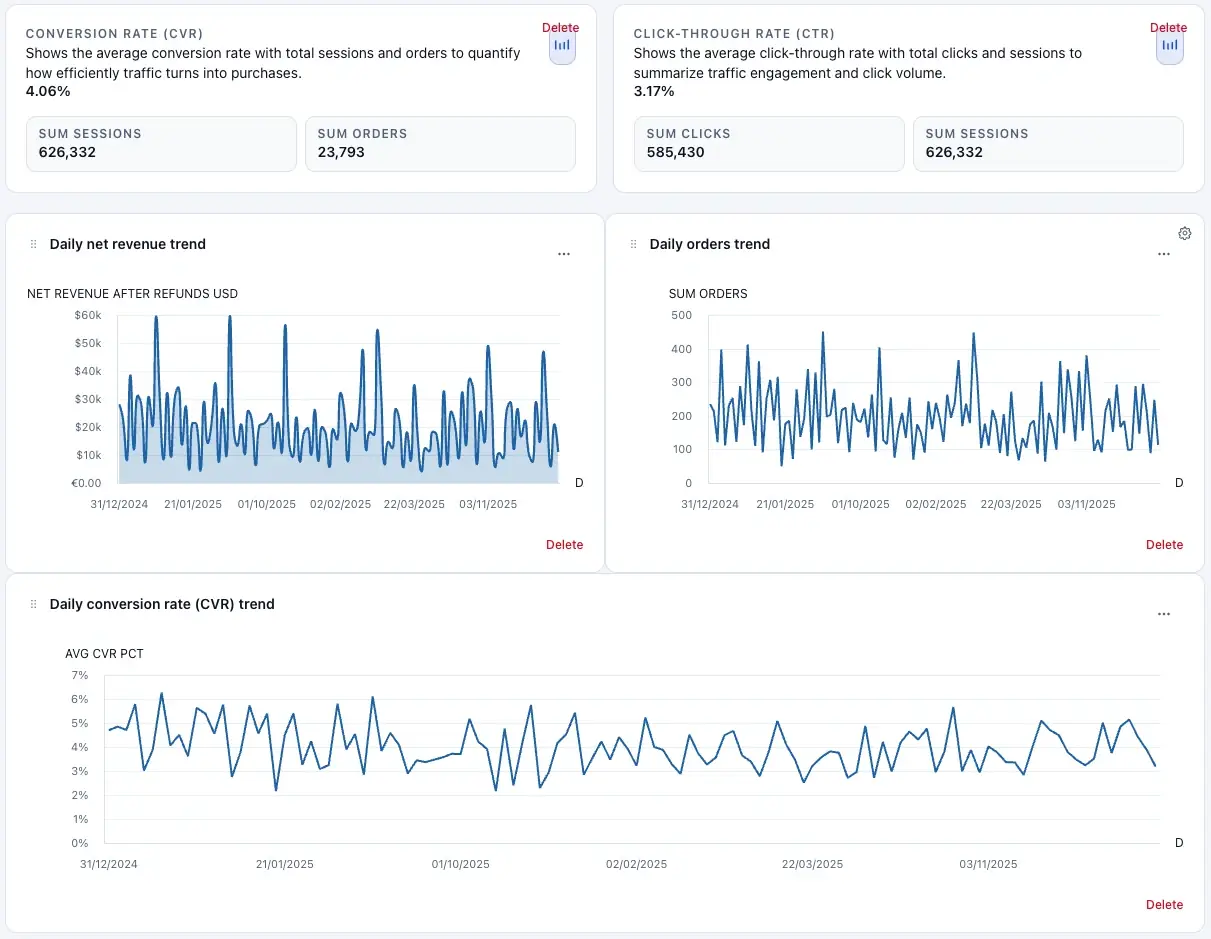
Generated dashboard output from a raw dataset.
Start here workflow
Use this order for fastest adoption: build from files, refine in runtime, operationalize with connectors, then manage account controls.
1. Build
Upload CSV, Excel, TSV, or Parquet in Builder and describe the outcome you need.
Tip
Start with the least-privilege export you can. You can always add fields later.
2. Explore
Open dashboards, filter insights, refine layout, and chat directly with your data.
3. Operate
Connect SQL and Google Sheets sources, schedule refreshes, and configure notifications.
4. Scale
Manage credits, billing, security settings, and team sharing from your account.
Most used workflows
- Build your first dashboard — upload + prompt + progress states.
- Chat and add charts in place — ask focused questions and persist widgets.
- Create focused dashboard variants — remix without touching the original.
- Run production refresh workflows — connectors, schedules, notifications.